AI Jewelry Video Generator
Upload a jewelry photo — AI creates a sparkling luxury showcase video
💡 Tip: A clear, well-lit photo on a plain background gives the best results.
Drop image or click to upload
PNG, JPG up to 10MB
Or select a sample:
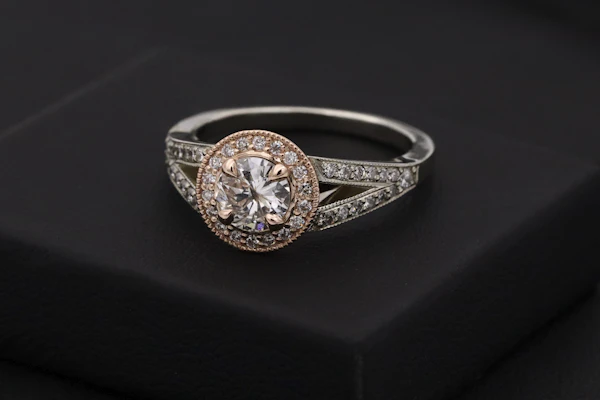


Sample photos via Unsplash
Leave blank for default — rotating slowly, light glinting off every facet
Scene Ideas:
Upload a photo to continue
Sign in to start generating
Result
Your jewelry video will appear here
Upload a Photo to Begin
AI creates a sparkling, luxury-style showcase video of your jewelry piece.
Upload Photo
Clear, well-lit shot works best
Pick Your Scene
Studio, rotation, lighting & more
Product Detail
Kept exactly as shown
Animated Video
Download MP4 and share
AI Jewelry Video Generator
Turn a jewelry photo into a luxury showcase video with AI. Upload a photo and AI animates a sparkling rotation.
How does it work?
- Upload Your Photo — Upload a photo of your jewelry.
- Choose Your Scene — Pick a scene idea or type your own custom scene.
- Generate Your Video — Click Generate and AI creates your animated video.
- Download and Share — Download your video as MP4 and share it on TikTok, Instagram, or with friends.
Frequently Asked Questions
How does the ai jewelry video generator work?
Upload your photo, pick a scene or type your own, and AI generates a short animated video in about 60-120 seconds.
How many credits does it cost?
Each video costs 5 credits. Plans start at $9/month for 100 credits on the VidHero pricing page, and credits refresh every billing cycle.
Can I download the video?
Yes — every generated video can be downloaded as an MP4 file and shared on TikTok, Instagram, or anywhere you want.